How-to — 6 min read
Small business trends to watch in 2026
The start of the year is always a vital time for small businesses. It brings opportunities to fine-tune your strategy,…

Instagram enables you to display an action button directly on your profile. When clicked, the button performs an action like opening your customer-facing Booking Page.
More than 200 million daily active Instagram users visit a business profile every day. Empower your audience to schedule appointments from your page and posts, without leaving the Instagram app.
Your social media works harder – raising awareness of your services and capturing new customers. Discover how to activate Instagram appointment booking with Setmore.
To enable the Instagram booking feature, you’ll need 3 accounts:

All three are free to create and only take a few minutes to set up.
Note: Personal Instagram profiles cannot feature action buttons. A business profile enables you to add contact details, display opening hours, and run ads.
With a Setmore account, you can accept appointments straight from Instagram, linking your Booking Page to the ‘Book now’ button.
Next, connect your Facebook and Instagram business profiles. In the Instagram app, go to Edit Profile > Page and link your account to the right Facebook page.
As an official Instagram booking partner, Setmore enables you to route all social traffic to your Booking Page. Customers can confirm appointments 24/7, without calling or messaging you.
You have two options:
A ‘Book now’ button will now appear on your profile. When tapped, your Booking Page opens within Instagram. Appointments are added instantly to your Setmore calendar, and if staff alerts are enabled, providers receive an email notification with the details.

For illustrated steps, read our support article.
Some businesses need to set up the button through Meta’s Business tools.
This method is especially useful if you manage multiple profiles or don’t see the mobile option.
For illustrated steps, read our support article.
Your Instagram bio sits just above your feed. It’s the perfect place to add a clickable link that directs people to your Setmore Booking Page.

Your Booking Page URL is customizable, so you can make it on-brand and memorable. Individual staff booking links can also be shared, allowing each team member to add appointment booking to their own profile.
Instagram now lets you drop your Booking Page directly into chats:

Your Booking Page URL instantly appears in the chat, making it simple to confirm appointments without extra steps.
The ‘Book now’ button is available only through the Instagram mobile app. To maximize visibility, add your booking link to your bio, share it in Stories and Highlights, and pin a post that features your link.
If the button doesn’t appear, first make sure your Instagram app is updated. You’ll also need to be using a Business Account with a connected Facebook Page where you’re listed as an admin. After making changes, allow 10–15 minutes for them to take effect.
If Setmore isn’t listed as a booking partner in your region, you can still guide followers to book by sharing your bio link or including your link in direct messages.
To remove the ‘Book now’ button, go to Edit Profile > Contact options > Action buttons > Remove Book now button.
If setup continues to fail, try switching between mobile and web to complete the connection. Double-check that Instagram and Facebook are properly linked, and test by making a booking to confirm notifications are being sent.
Let current followers know about your new Instagram booking feature. Whether you decide to share a grid post, a story, or even an Instagram Reels video tutorial, ensure you promote that their booking process just got easier.
Each week, you’ll be able to see how many people tapped your ‘Book now’ button using Instagram account insights.
Yes, all Instagram users can add links to their Stories. Viewers don’t need to head to your bio or manually type a URL after watching.
When advertising on Instagram, you can display a ‘Book now’ button on your sponsored story or feed post.
Instagram ads appear organically, either in a user’s main feed or via stories. You can set up campaigns to target particular demographics, filtering your audience by location, interests, and previous engagement with your company. For example, if a customer has viewed your Setmore Booking Page in the last 30 days, you can retarget them with an Instagram ad to remind them of your services.
You’re also able to control the placement of each ad. At the peak of interest, allow your social visitors to book on the spot. An Insta booking button helps transform more traffic into new customers.

For many customers, Instagram is their first point of contact with your business. 83% of users say the platform helps them discover new products and services.
By adding a booking button, you:
Fais from barber lounge Haar Bros shared his experience of adding a free ‘Book now’ button to Instagram. By posting hair transformations along with the booking button, his barbershop now gets 20% of appointments directly from Instagram.

Sprout Social reports that Instagram users are most active mid-morning through early afternoon—often when your business is running. With Instagram’s booking feature, you can keep serving clients while appointment management runs in the background.
No need to stop and answer every DM. Instagram appointment booking enables customers to reserve your time day or night.Need a Setmore account? Sign up for free and create your Instagram appointment system today. For more guides and videos, head to our resources center.

by Setmore Appointments
Free, powerful online customer scheduling for businesses of all sizes.

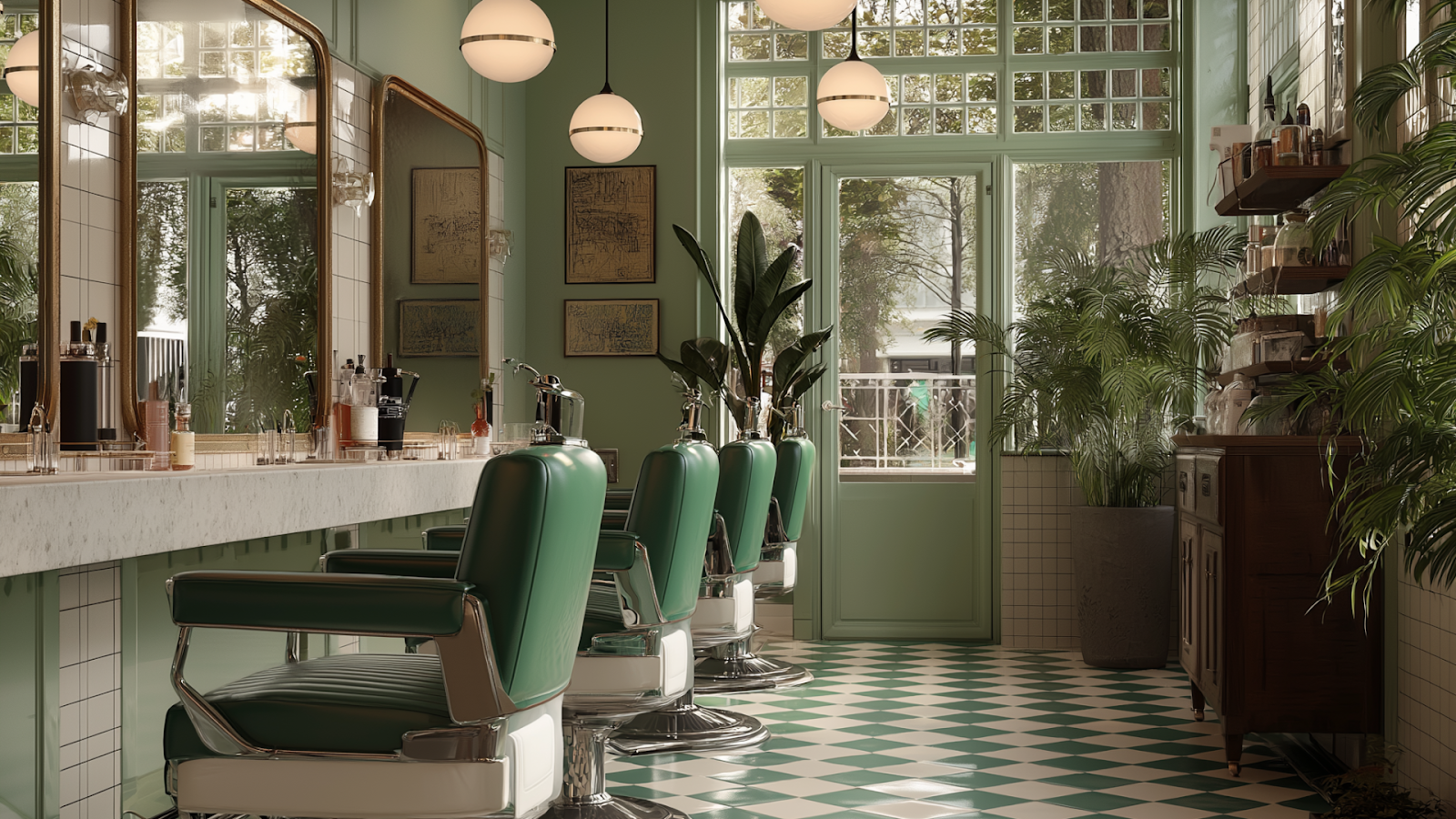
The start of the year is always a vital time for small businesses. It brings opportunities to fine-tune your strategy,…
When it comes to running a service-based business, appointments matter. They make up your day—and automated scheduling saves you even…
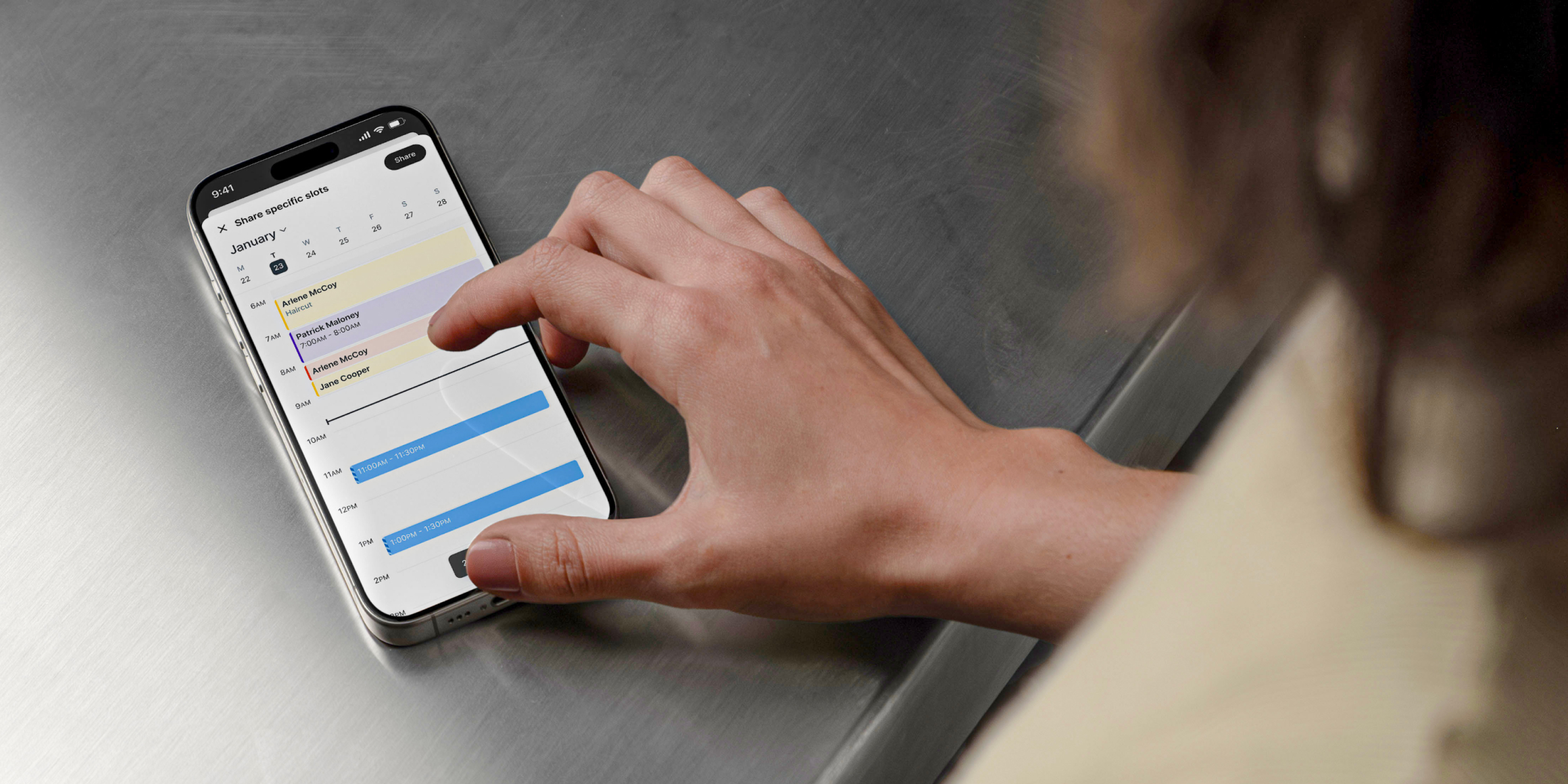
Growing your brand really starts with perception and experience. When your customers are heard, seen, and understood, they feel supported…